
Explanation:
Reference: https://docs.databricks.com/aws/en/notebooks/debugger


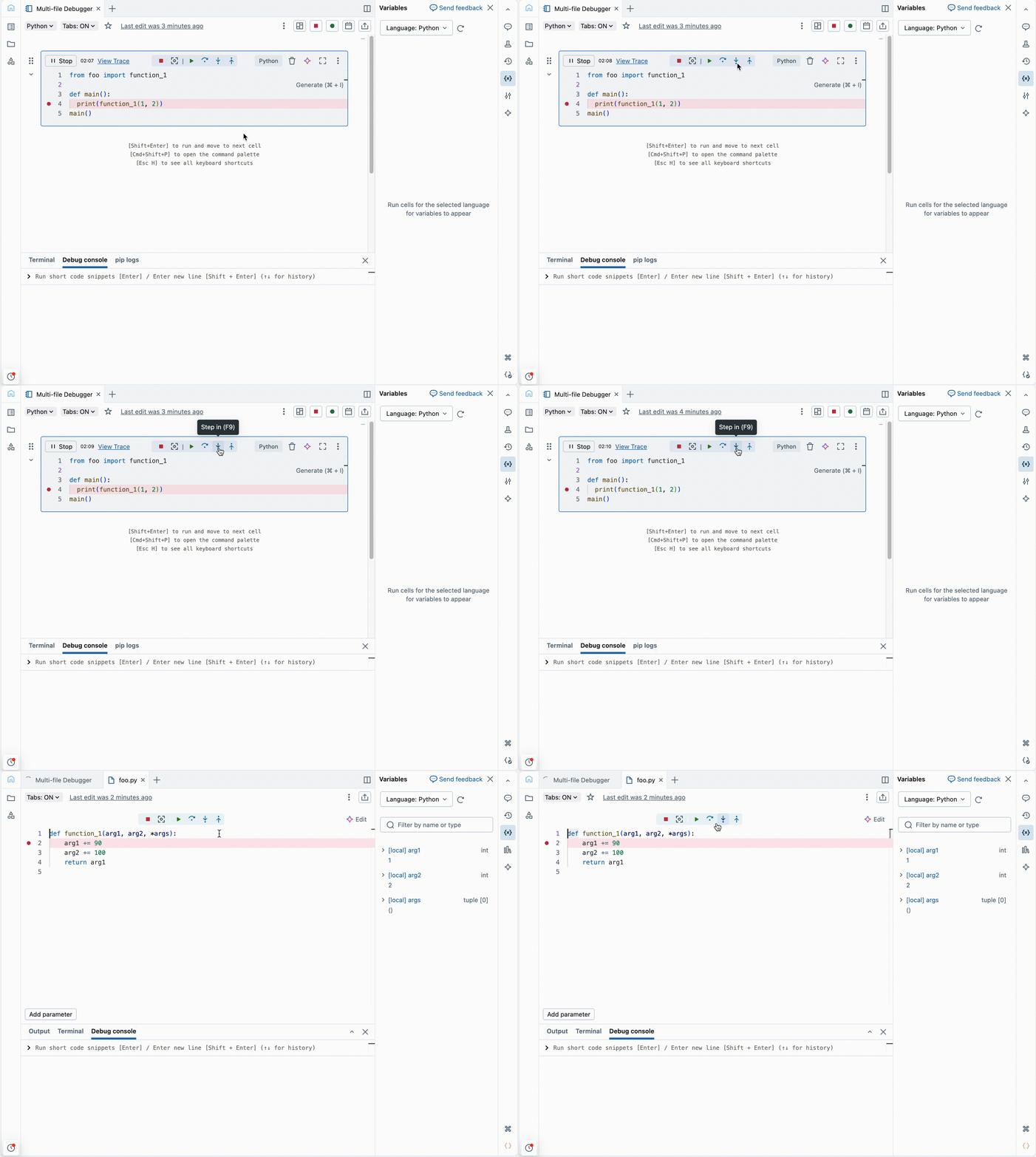
A data engineer is debugging a Python notebook that intermittently fails inside a user‑defined function imported from a workspace file. They want the execution to stop before the failing line runs, examine local variables inside the function, and evaluate expressions while execution is paused. The notebook is attached to Databricks Runtime 14.3 LTS with Standard access mode.
Which approach best satisfies these requirements?
A
Run the notebook normally, allow the error to occur, and inspect variables from the cell output after execution completes
B
Enable the Python Notebook Interactive Debugger, set breakpoints in the notebook or workspace file, run the cell using Debug cell, and inspect variables using the Variable Explorer or Debug Console
C
Use %debug after the exception to step into the failing function and evaluate expressions while the notebook continues running
D
Use %pdb to debug the notebook and step into external Python libraries and other notebooks