Explanation:
Option E (CREATE TABLE my_table (id STRING, value STRING);) is the correct choice because:
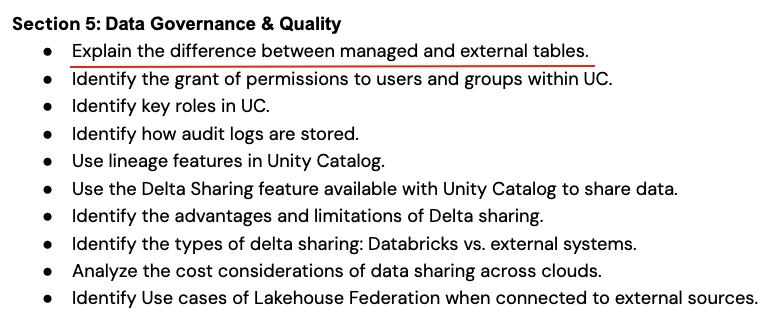
Managed Table: When you create a table using just CREATE TABLE without specifying a location in Databricks, it automatically creates a managed table where Spark manages both the data and metadata.
DBFS Storage: By default in Databricks, managed tables are stored in DBFS (Databricks File System) under the managed table location.
No External Path Needed: Unlike external tables that require explicit path specification, managed tables don't need a PATH option since Spark handles the storage location automatically.
Why other options are incorrect:
USING org.apache.spark.sql.parquet with a custom path, which creates an external table where Spark only manages metadata, not the data.CREATE MANAGED TABLE is not valid Spark SQL syntax - the correct syntax is simply CREATE TABLE for managed tables.CREATE MANAGED TABLE is not valid.USING DBFS is not valid syntax - DBFS is the underlying storage system, not a table format.In Databricks, the default behavior for CREATE TABLE without location specification creates a managed table stored in DBFS, meeting all the requirements: Spark manages both data and metadata, and storage is in DBFS.
Question 13
A junior data engineer needs to create a Spark SQL table my_table for which Spark manages both the data and the metadata. The metadata and data should also be stored in the Databricks Files system (DBFS).
Which of the following commands should a senior data engineer share with the junior data engineer to complete this task?
A
CREATE TABLE my_table (id STRING, value STRING) USING org.apache.spark.sql.parquet OPTIONS (PATH "storage-path");
B
CREATE MANAGED TABLE my_table (id STRING, value STRING) USING org.apache.spark.sql.parquet OPTIONS (PATH "storage-path");
C
CREATE MANAGED TABLE my_table (id STRING, value STRING);
D
CREATE TABLE my_table (id STRING, value STRING) USING DBFS;
E
CREATE TABLE my_table (id STRING, value STRING);